Story Architect Mobile 0.2.0
Hi, friends!
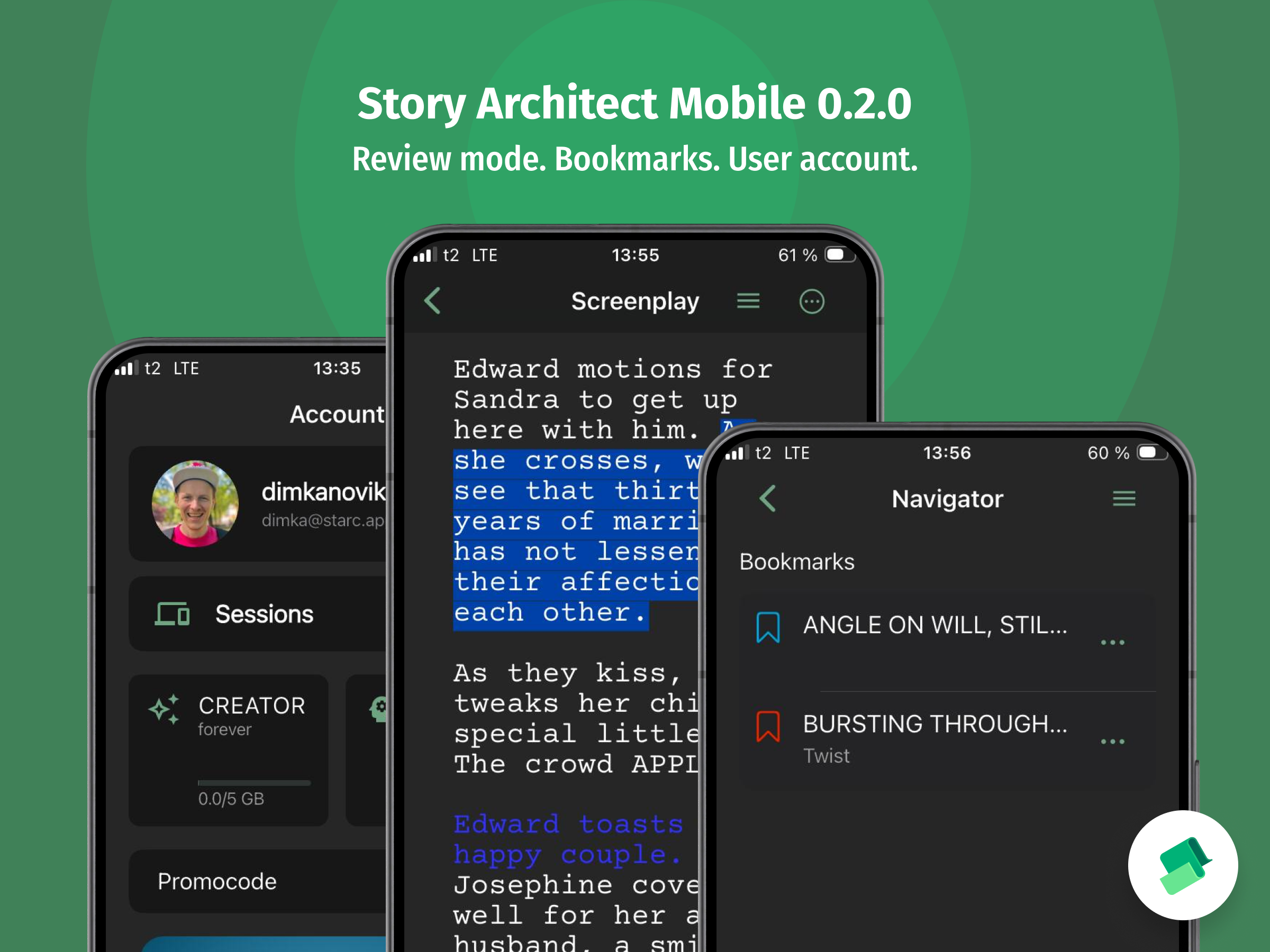
Even though it’s been a while since our last update, work on the project has been moving full speed ahead in every possible direction! And today, we’re releasing an update for the mobile version — Story Architect Mobile 0.2.0.
Text Editor Improvements
One of the most important areas of focus for us in this update was improving the text editors. We want them to be fully functional and convenient to work with, while also ensuring that all text metadata is preserved when data synchronization between the mobile and desktop versions becomes available.
Review Mode
The mobile version now fully supports all Review Mode features — comments, change tracking, and revisions.
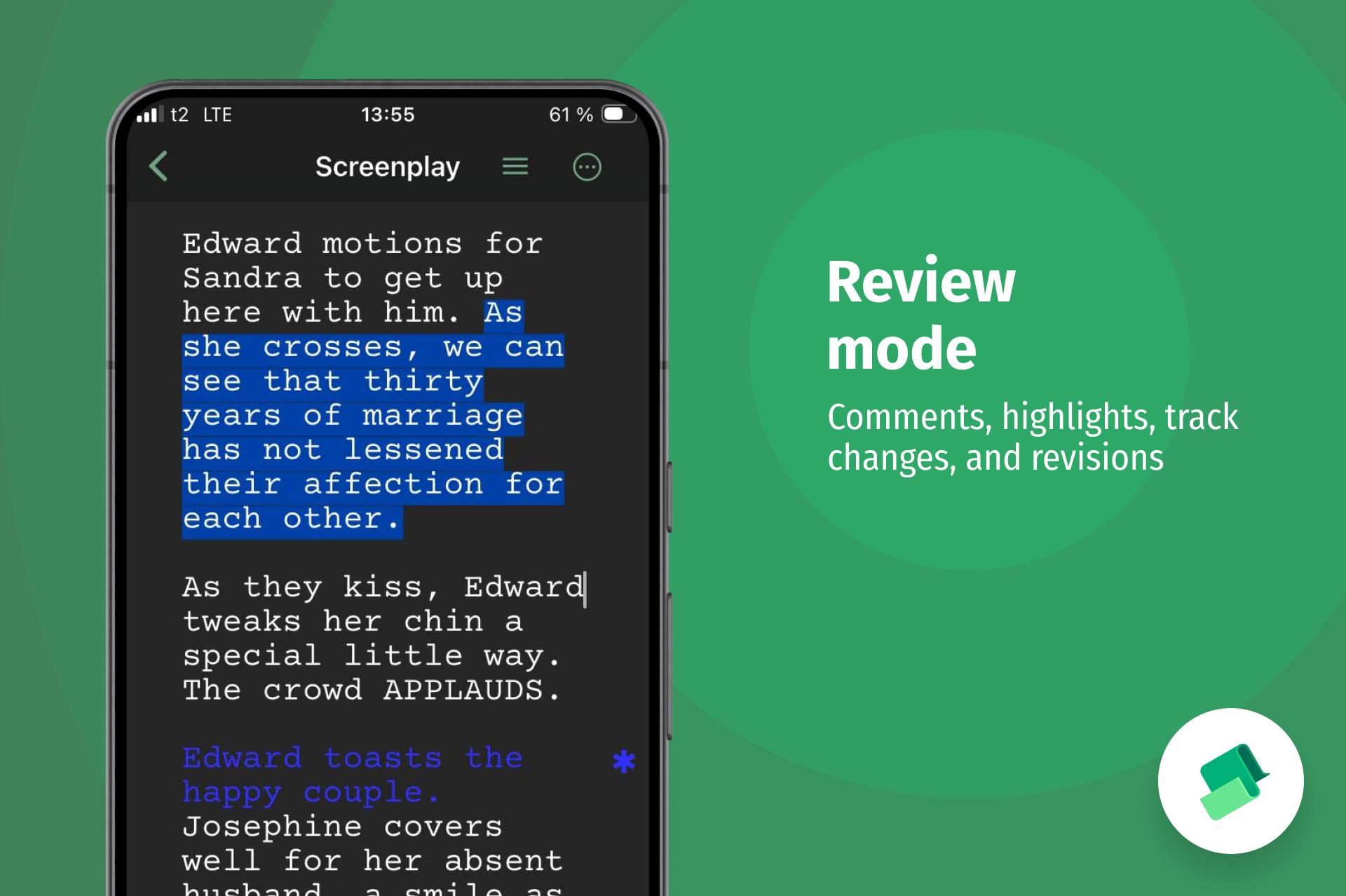
A new switch has been added to the additional toolbar options, allowing you to select the review mode you need or turn it off entirely.
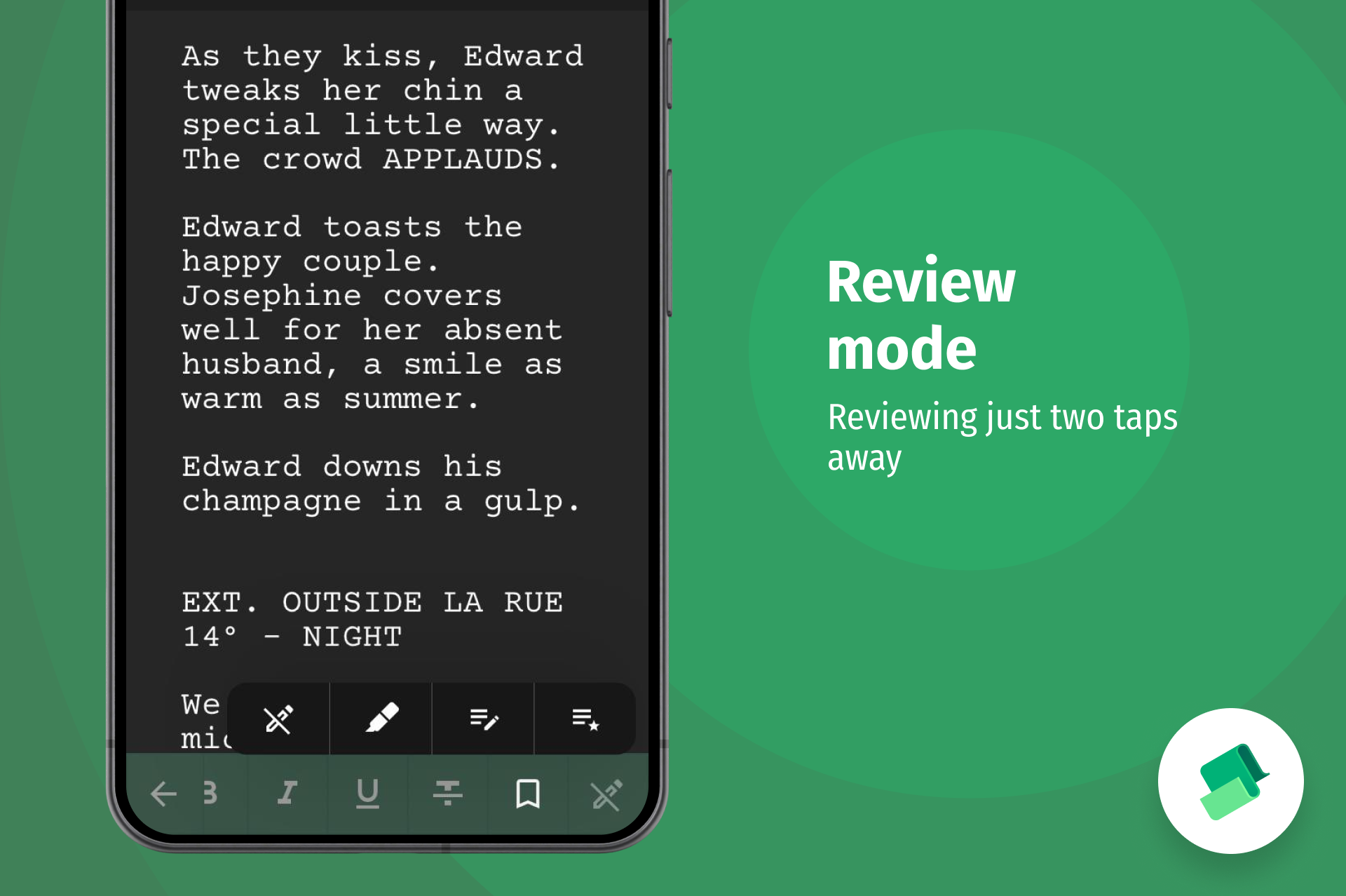
Once Review Mode is enabled, buttons for adding comments, highlighting text, and selecting the color of editorial changes or revisions will appear immediately.
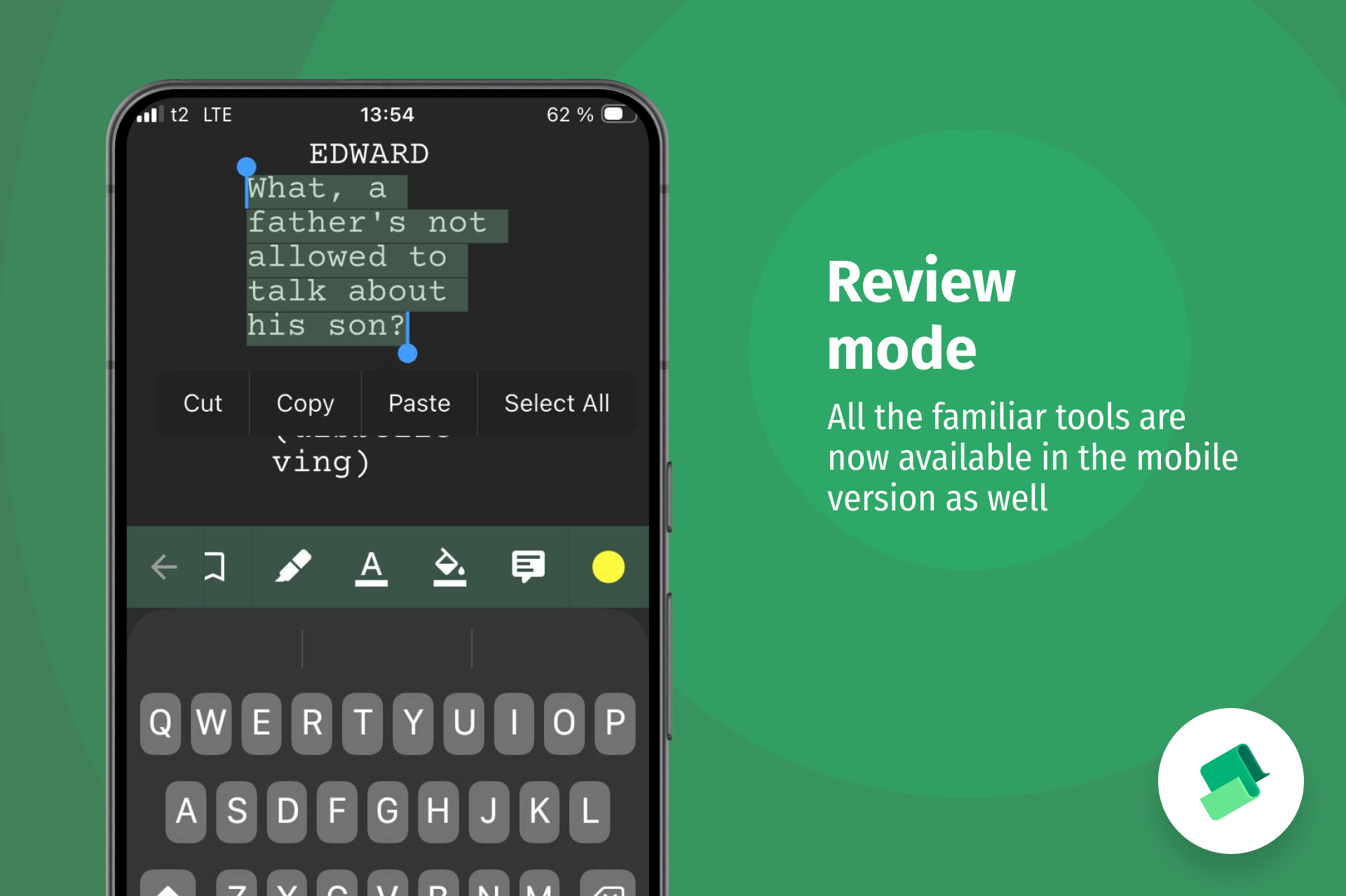
A new “Comments” section has also been added to the text options menu, giving you access to the list of editorial notes, highlights, and revisions.
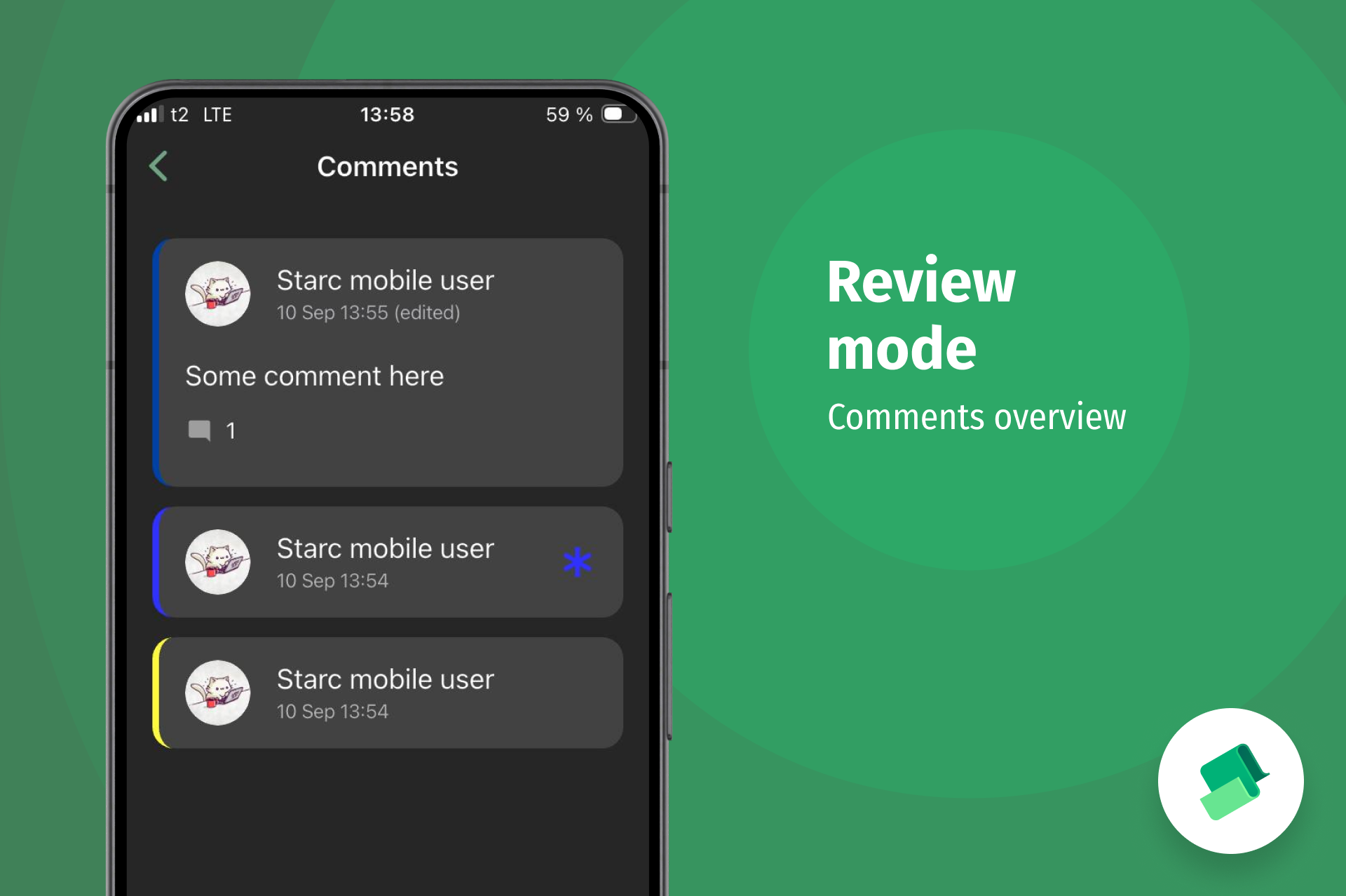
Here you can edit and discuss notes, mark them as resolved, and generally do everything you’re already used to doing in the desktop version — now on mobile as well.
Bookmarks in Text
In addition to editorial notes, the mobile version now supports bookmarks.
If you need to save a particular thought or mark a specific place in the text, you can now add a bookmark to the desired paragraph, choose a color for it, and add a comment.
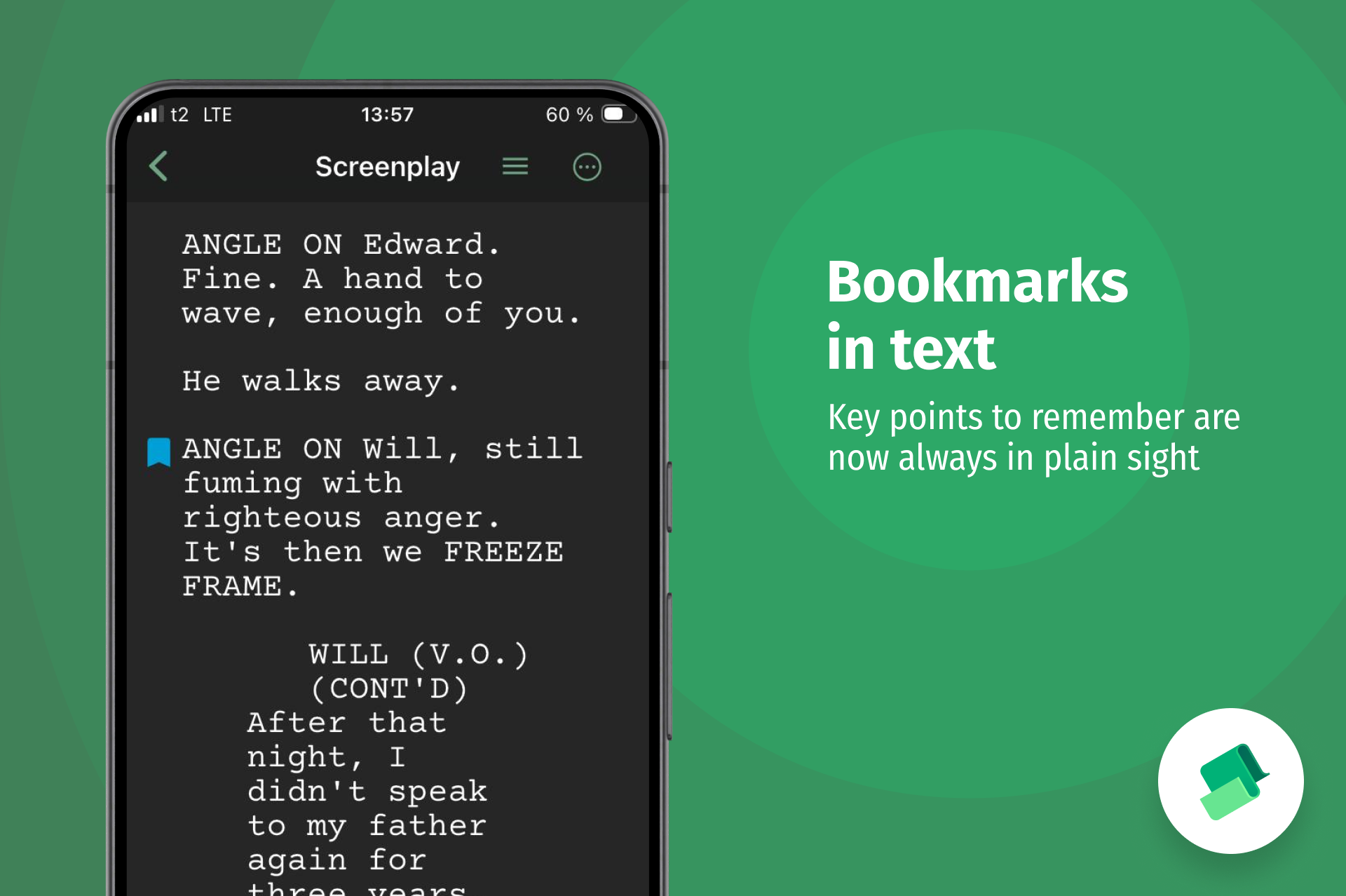
Bookmarks can also be added through the additional toolbar options.
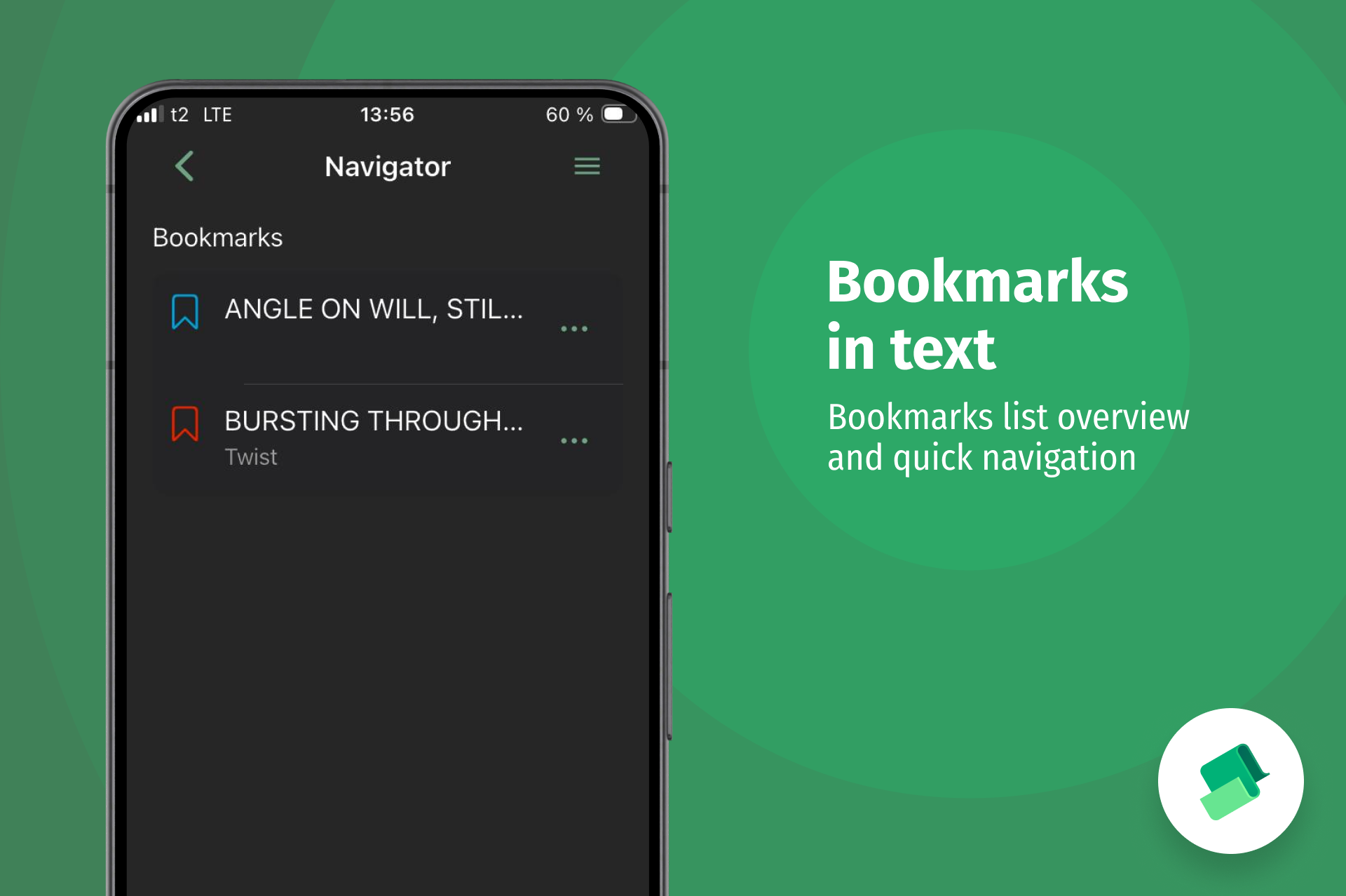
The full list of bookmarks is available directly in the Navigator. From there, you can jump to any bookmark and edit it if necessary.
User Account
We know how much everyone has been waiting for the ability to synchronize projects between the desktop and mobile versions.
The first step is done! You can now sign in from the mobile version and access your user account.
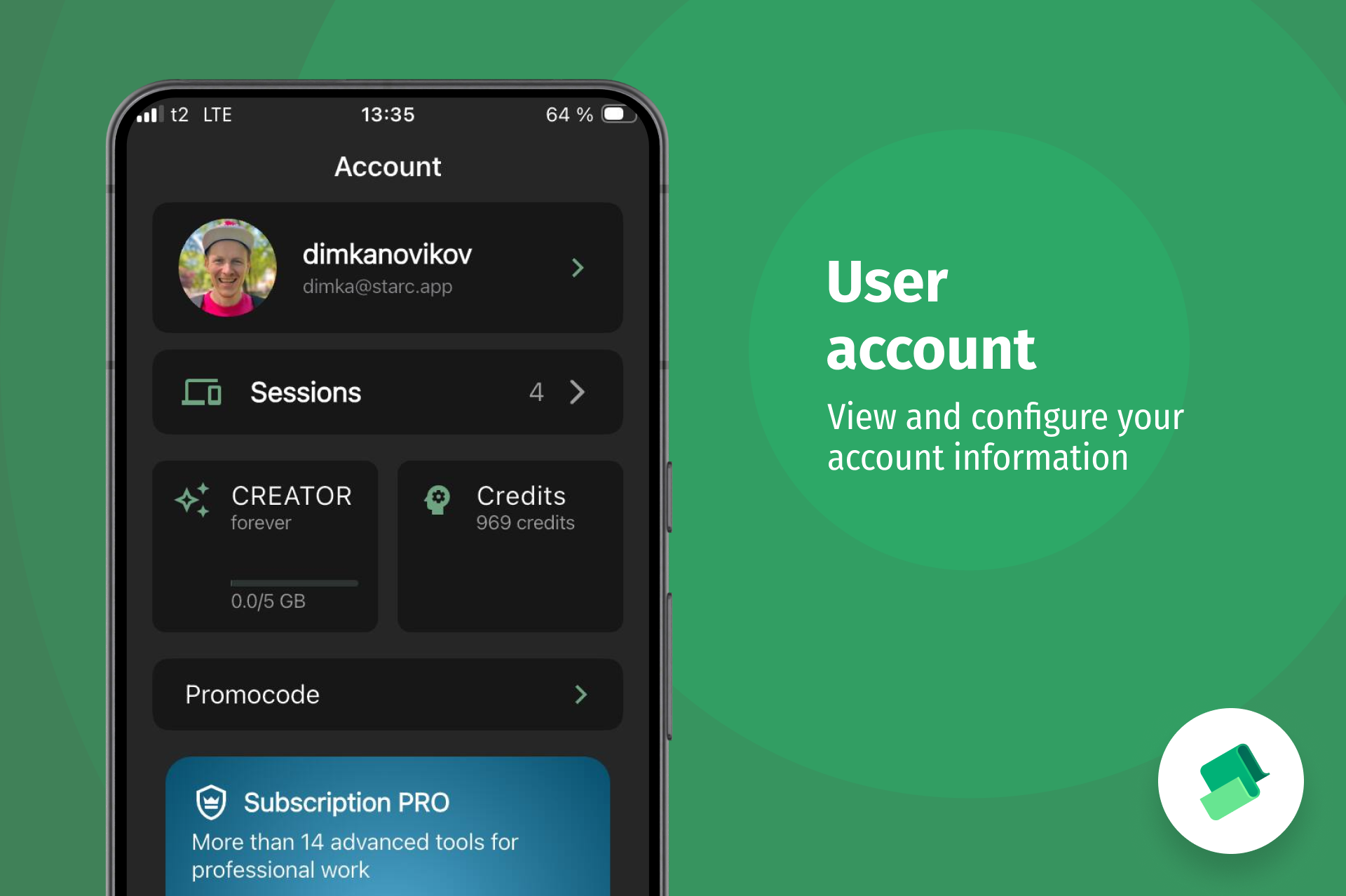
There, you can update your personal information, view account details, and manage your sessions across all devices.
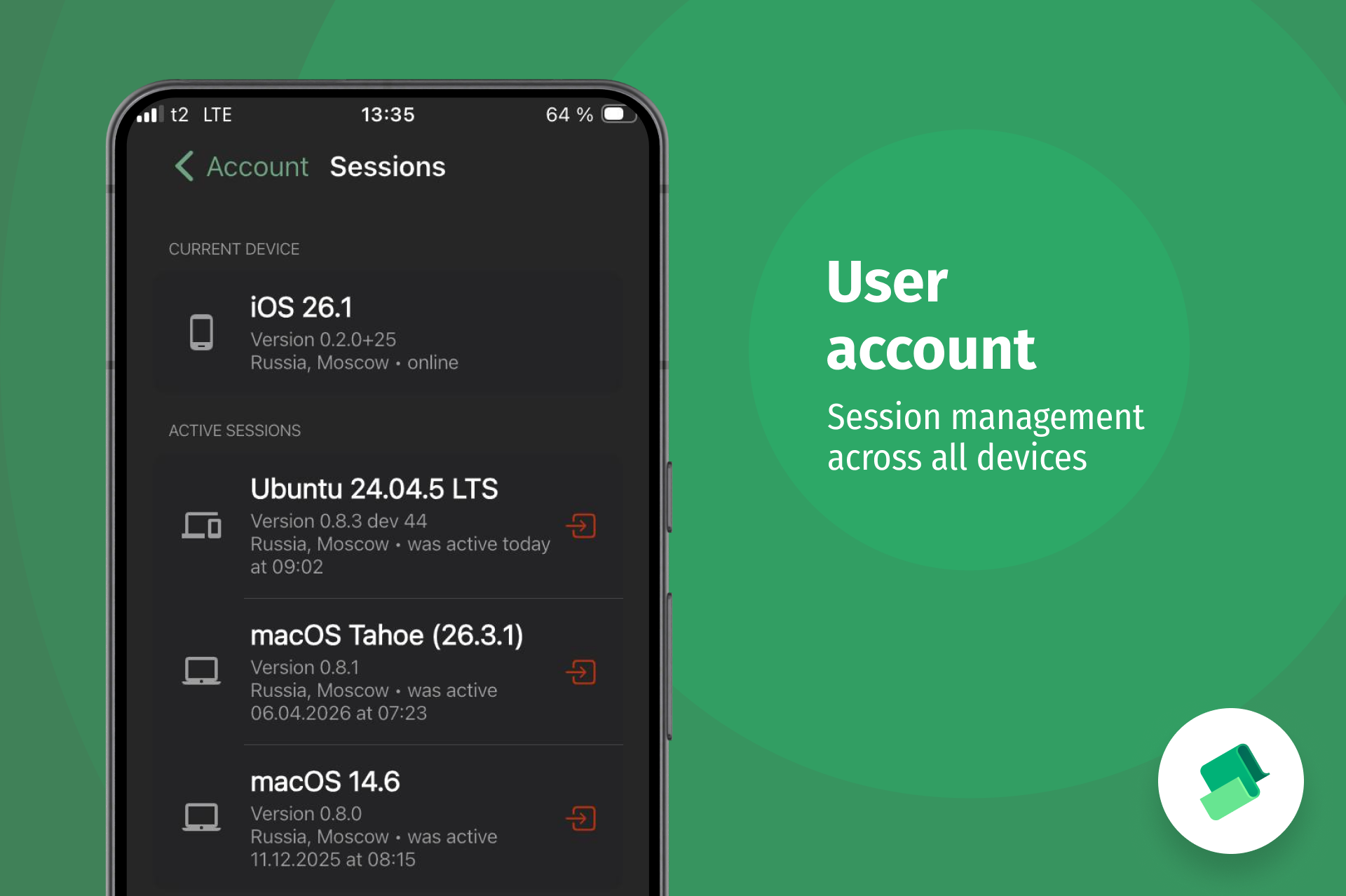
Yes, full synchronization is not available yet, but we are steadily moving toward it, solving each challenge along the way step by step.
Getting Started with the App
In the new version, we’ve added several introductory steps that explain how the app works. They will help new users understand its structure and configure some of the app’s settings before getting started.
Other Improvements
In addition to everything mentioned above, we have:
- optimized the app’s performance when working with large text documents;
- added progress indicators when importing large projects into the app from external sources;
- added filters for importing .starc projects from external sources;
- adjusted the text editor so that it scrolls slightly higher when entering text near the keyboard, preventing location and character name suggestions from covering the text being typed;
- improved the transition logic from an action block to dialogue so that paragraph formatting is no longer disrupted;
- fixed an issue where pasted text could sometimes be split into paragraphs incorrectly;
- fixed an issue where project covers could turn green on iOS;
- fixed an issue on Android where the selected-text editing menu could cover the text itself
What’s Next?
We’ll continue working toward cloud synchronization and implementing more advanced features.
First, we plan to release version 0.2.2, which will introduce support for advanced character and location profiles, as well as worlds.
After that, it’s full steam ahead toward version 0.3.0, which will include project synchronization and collaborative text editing.
That’s all the news for now, friends.
Now go download the update, try out the new features, and share your feedback with us! Happy creating!
Join our community of authors
Download Story Architect and try all features for free. Give us your feedback — let's make the best software for writers together!