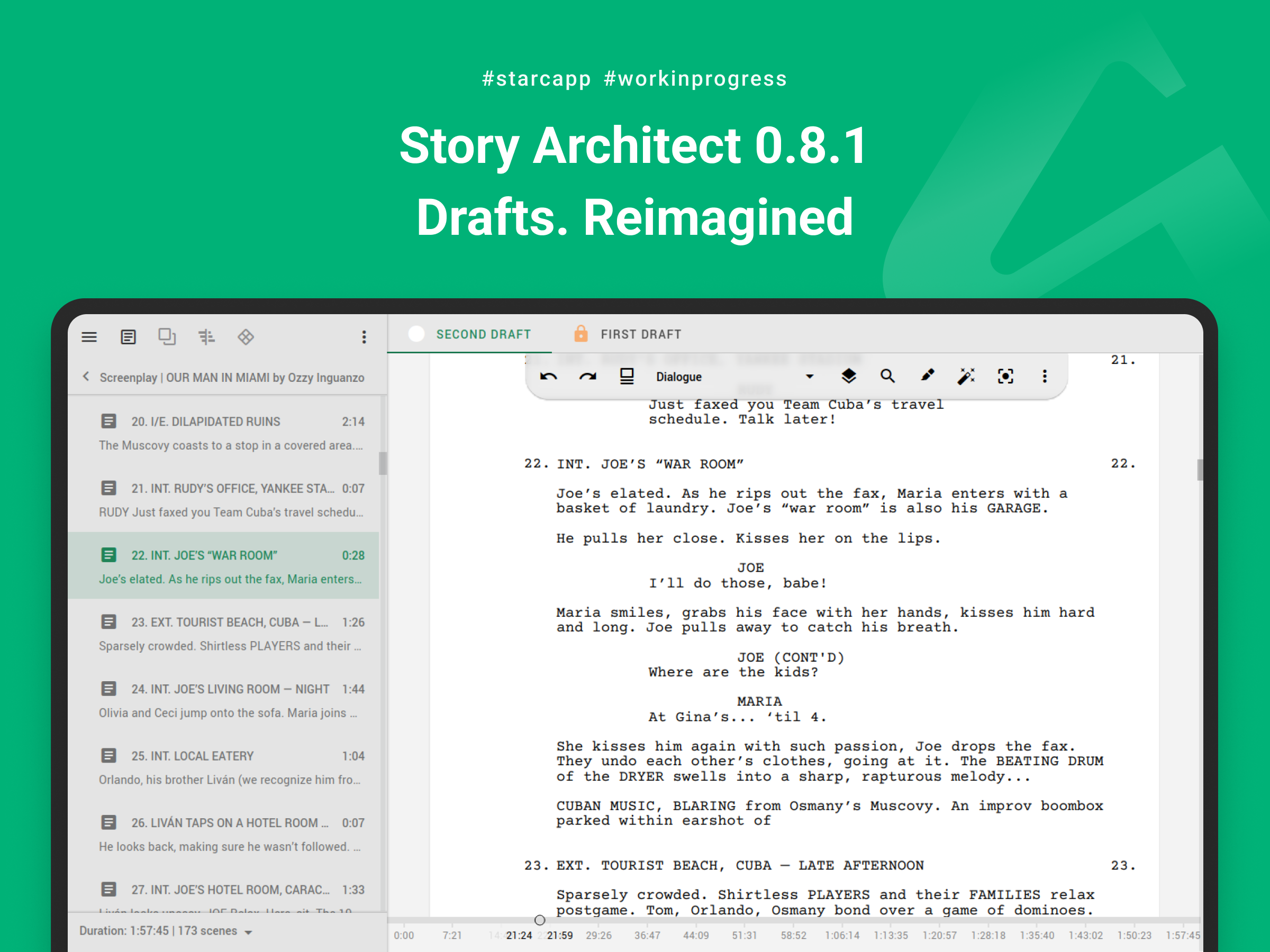
Hi there, friends!
Spring has arrived, which means it’s time for another update — the stabilization release Story Architect 0.8.1 is now live!
CLOUD → CREATOR
The first thing we’d like to talk about is that we’ve long been thinking about properly naming our plans, and as a result, we’ve done a small rebranding.
The CLOUD plan, because of its name, tends to be associated only with adding cloud services — but that’s not really what it is. Yes, built-in project synchronization and collaboration are some of its key features, but beyond that, it also unlocks tools that are useful not just at the writing stage, but at the project management level — preparing a project for production, publication, and more.
Therefore, starting today, it will be called CREATOR.
The new name is already reflected in version 0.8.1, as well as on our website and in our email newsletters.
Aside from that, the entire release focuses on fixing issues and improving existing functionality. The only significant change is a rethinking of how drafts work.
Drafts. Reimagined
From the very beginning, as soon as drafts appeared in the app, they became very popular among authors. The only thing that raised the most questions was: what is this “Current Draft”? Why can’t it be deleted or at least renamed?
For a long time, we couldn’t quite understand what the issue was. Logically, yes — it’s the most up-to-date draft the author is working on — but something still didn’t feel right.
And then we realized: there is no such thing as a “current” draft! There’s a first draft, a second draft, many more drafts, eventually a final draft — but not a “current” one. When an author finishes working on the first draft, they move on to the second, then the third, and so on.
With this realization, we revisited our draft system and redesigned it to reflect this concept. Now in STARC there is no “current” draft — there is a first draft and all the others.
When work on one draft is complete, you can now create a new draft, give it a meaningful name, and continue working there.
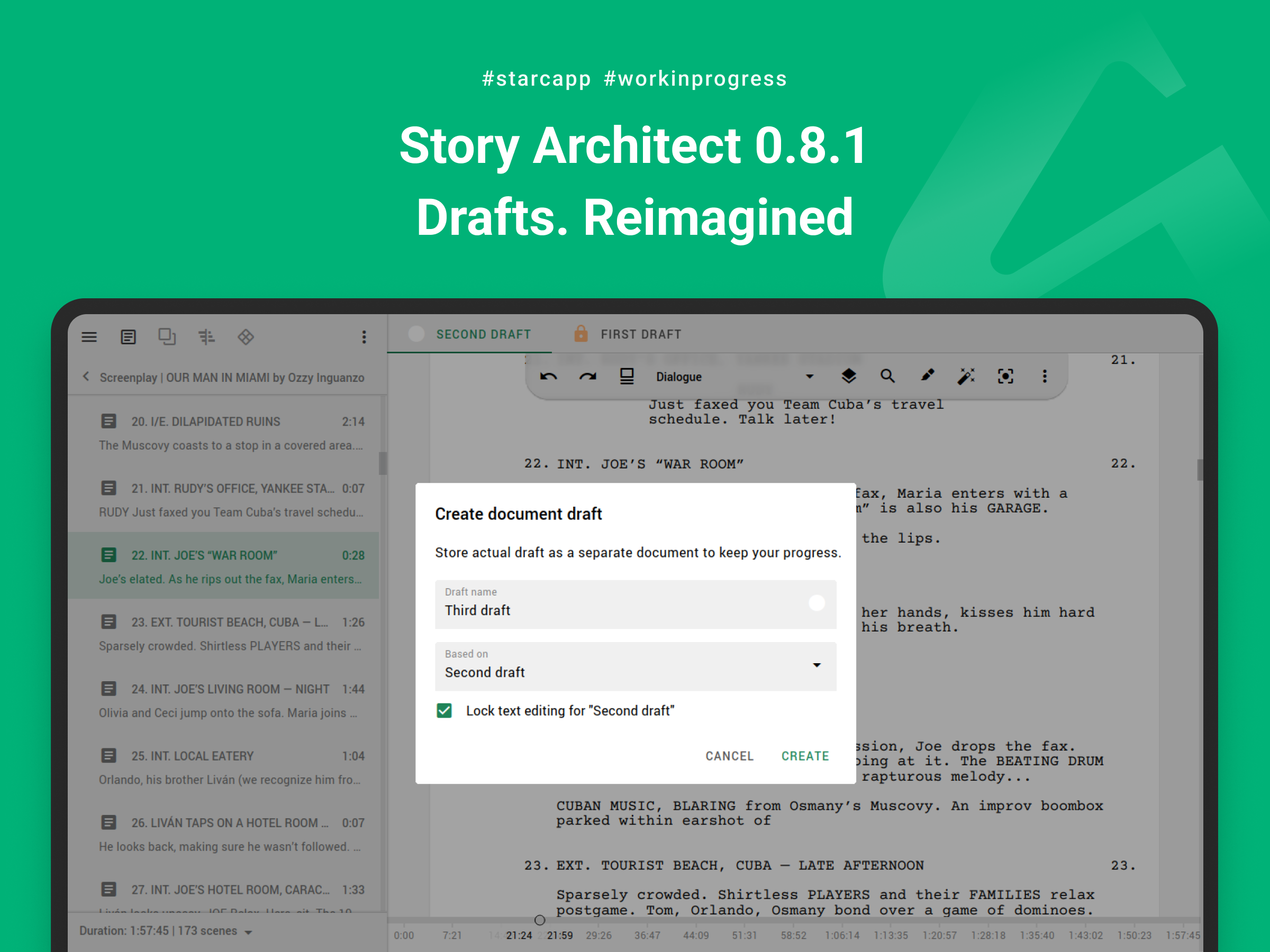
We hope this makes it easier for everyone to navigate their drafts and makes working with them even more convenient!
Other Improvements
Below is the classic list of updates included in this release:
- Added the ability to save extended program logs to simplify debugging and identify the source of issues on specific devices;
- Added scrolling to certain pages of the initial setup dialog so that all buttons can be accessed and setup can be completed regardless of screen size or resolution;
- Improved the ability to grant access to specific documents in cloud projects;
- Improved export of split paragraphs (dual dialogues, comic lines, audio productions, and stage plays) to PDF;
- Improved the context menu for text editors in read-only mode;
- Significantly improved script import from PDF and DOCX documents;
- Optimized the process of loading the cloud project list;
- Refined the logic for closing the search panel in text editors;
- Optimized text editor performance when adding new paragraphs;
- Fixed an issue causing spontaneous account logouts;
- Fixed an issue with restoring the application window state when it was closed on one monitor and that monitor is unavailable at the next launch;
- Fixed issues with granting access to specific documents, their drafts, and attachments;
- Fixed permission control issues for editing documents and drafts in cloud projects;
- Fixed a crash when loading documents from the cloud while the review panel is open;
- Fixed an issue with sending offline document changes to the cloud in certain cases;
- Fixed an issue with preserving the original document state when importing data from an external file;
- Fixed an issue with loading and editing draft content imported from an external file;
- Fixed a crash when trying to export a draft that has not yet been loaded from the cloud;
- Fixed an issue with saving script directories and breakdown resources;
- Fixed toolbar rendering issues in certain cases;
- Fixed an issue with navigating to the beginning/end of text using up/down arrow keys in text fields;
- Fixed an issue where a thin strip of a hidden panel remained visible when using quick hide buttons for side panels;
- Fixed issues with certain AI assistant tasks;
- Fixed an issue with displaying all application languages in the language selection dialog;
- Updated application translations.
In addition, we have significantly optimized the cloud service. Since the beginning of the year, we’ve experienced a sharp increase in the number of users, which in turn led to issues within the cloud infrastructure. We’re responding by adding computing resources and optimizing the code wherever possible.
Thank you for your feedback and for writing to us! I apologize if we’re not perfect in some areas — we’re adapting to new realities and doing our best to keep up.
Next, we plan to continue the stabilization trend. The upcoming release will be another iteration focused on bug fixes and performance optimization.
Stay with us — and see you soon!